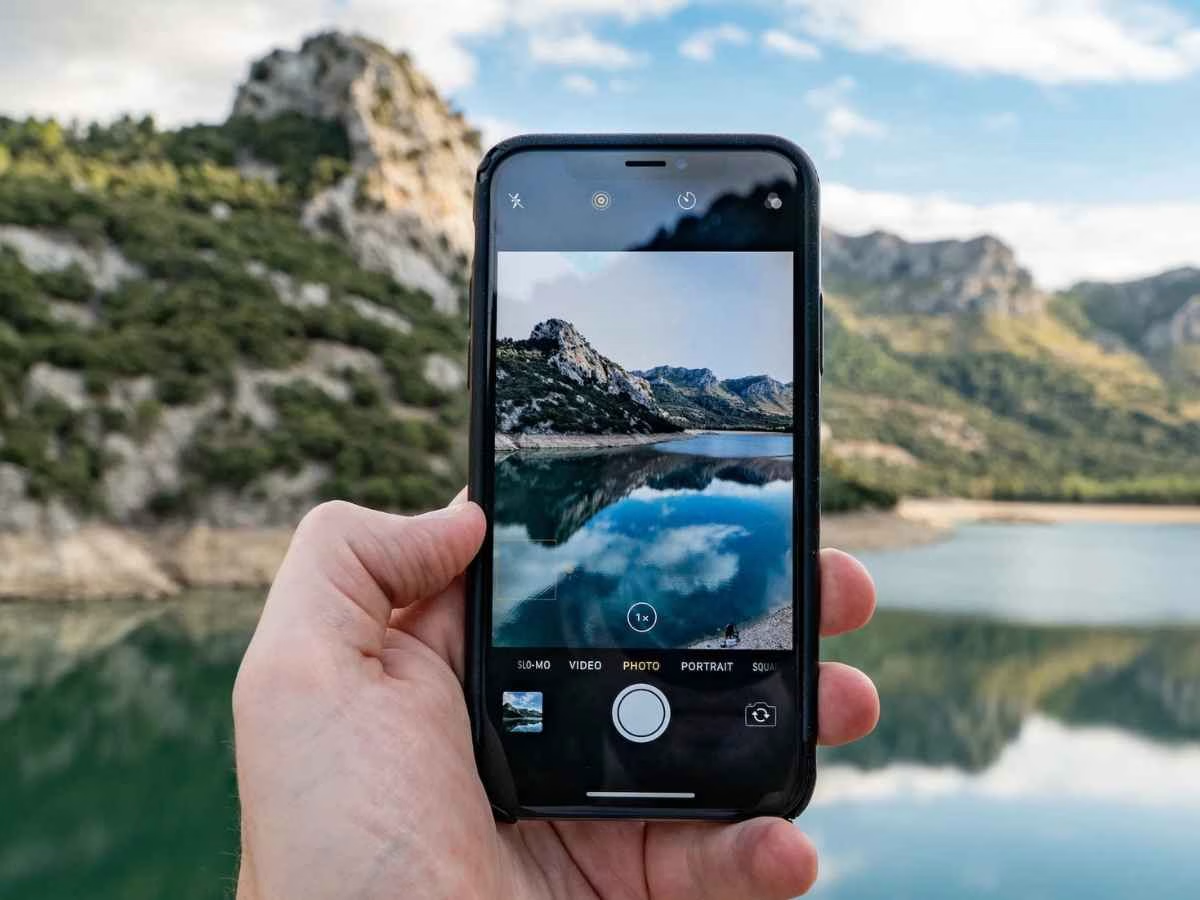
How to Click DSLR-like Portraits With Your iPhone: Step-by-Step Guide
July 19, 2025: Smartphones have come a long way, and the iPhone camera is now powerful enough to rival entry-level DSLR cameras—especially when capturing portraits. Whether you’re taking selfies, clicking professional headshots, or just capturing memories, these simple tips can help you elevate your iPhone photography game.
Start by opening your iPhone’s camera and selecting Portrait mode. This feature creates a blurred background—also known as the bokeh effect—that brings your subject into sharp focus. It’s perfect for close-up shots and gives photos that cinematic depth often seen in professional photography.
Lighting can make or break a portrait. The best results come from natural light, so try to shoot near a window or outdoors during golden hours—early morning or late afternoon. These times offer soft, warm lighting that flatters skin tones and reduces harsh shadows. Avoid using the flash, as it can flatten the image and strip away depth.
Before snapping a photo, tap on your subject’s face on the screen to lock focus. Then, adjust brightness by sliding your finger up or down on the screen. This ensures your subject is well-lit and clear, even in tricky lighting conditions.
The iPhone’s Portrait mode also includes lighting effects such as Natural Light, Studio Light, Contour Light, and more. Studio Light offers a clean, sharp appearance, while Contour Light adds dramatic shadows and highlights, perfect for creating a moody or editorial feel.
After taking your shot, go to the Photos app, tap Edit, and explore settings like brightness, contrast, and sharpness. You can also tweak the depth effect to increase or decrease background blur. Keep editing minimal for a natural and polished look.
With just a few adjustments and an eye for lighting, your iPhone portraits can easily mimic the quality of a professional DSLR. So next time you’re ready to click, remember—great photos are just a tap away.
Two Pakistani nationals among escapees; police launch massive manhunt after attack February 17, 2026: A…
212 lawmakers take parliamentary pledge; Constitution Commission move sparks divide February 17, 2026: Members of…
Gates Foundation confirms keynote appearance amid Epstein file references February 17, 2026: The Gates Foundation…
Shahid Kapoor–Triptii Dimri starrer sees sharp Monday dip despite festive release window February 17, 2026:…
Congress MLAs’ overseas tour fuels fresh speculation over Karnataka leadership tussle February 17, 2026: A…
Minor’s speeding Scorpio kills 23-year-old biker; mother seeks justice as outrage grows February 17, 2026:…