
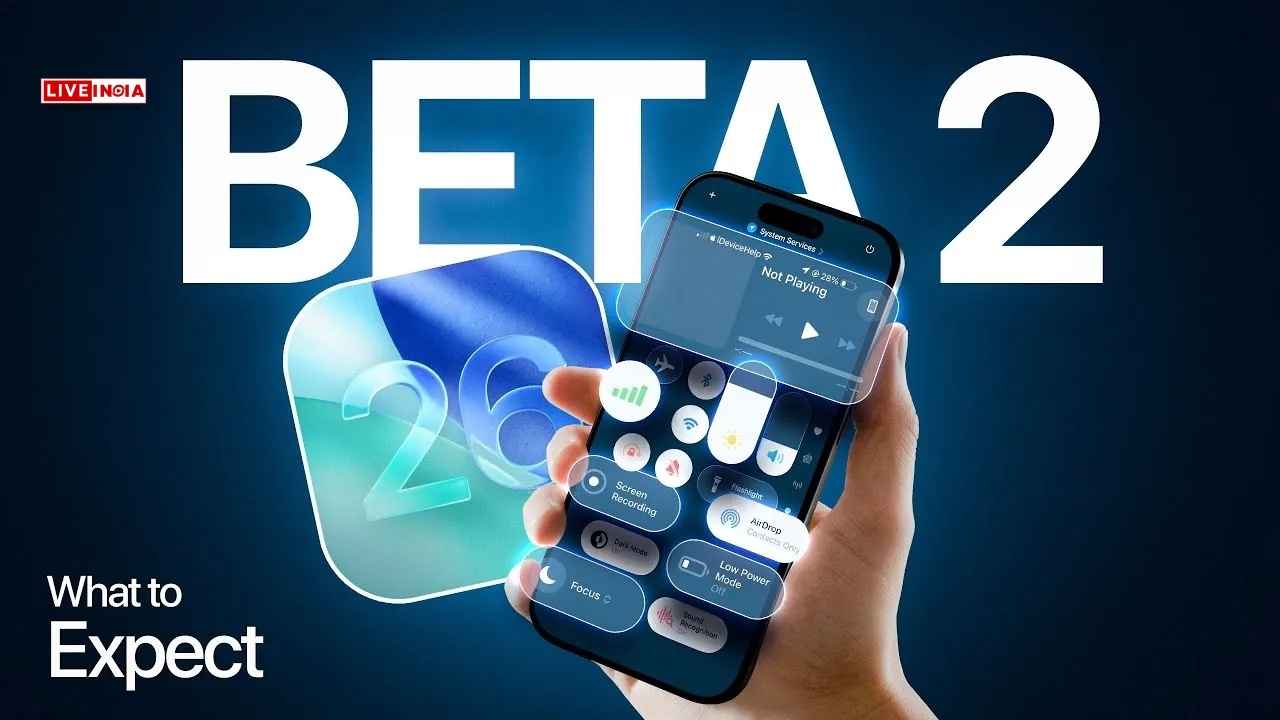


The second developer beta of iOS 26 brings visual refinements, a new ringtone, better accessibility, and transparency around low power mode—gearing up for a public release later this month.
July 1, 2025 | Apple has taken another big step towards launching iOS 26, releasing Developer Beta 2 for iPhone users. While the public beta is expected later this month, this new developer version offers an early glimpse into what Apple has been refining behind the scenes.
Though still not recommended for primary devices, iOS 26 Developer Beta 2 marks a clear upgrade over the initial build, introducing a host of interface tweaks, functional clarity, and thoughtful feature additions.
🔍 Key Features in iOS 26 Developer Beta 2
1. Refined Liquid Glass UI
Apple’s bold new Liquid Glass UI faced criticism in Beta 1 for its overlapping tab effects. Beta 2 resolves this with a cleaner, crisper Control Centre and a more readable overall layout, making the interface visually more polished.
2. Enhanced Accessibility Disclosures
App developers will now be required to list the accessibility features supported by their apps. These will be visible on App Store product pages, enhancing transparency and empowering users with special needs.
3. A New Ringtone: ‘Alt 1’
Yes, it’s official—Apple added a new ringtone, and that alone is headline-worthy for iPhone fans. Named Alt 1, the ringtone can be selected under:
Settings > Sounds & Haptics > Ringtone.
Also Read: Samsung Launches AI-Powered Anti-Theft Features in One UI 7 for Galaxy Phones
4. Low Power Mode Now Explained
For the first time, Apple clarifies what Low Power Mode does in iOS 26. Enabling the mode will reduce:
- Background activities
- Processing speed
- Display refresh rate
- iCloud syncing support
This added clarity helps users understand trade-offs when extending battery life.
5. Live Captions for Calls—With Consent
While Live Captions have existed before, iOS 26 Beta 2 ensures callers are informed when the feature is active, maintaining transparency during conversations.
🔧 How To Install iOS 26 Developer Beta 2
To install the beta on your iPhone:
- Sign up for Apple’s Developer Beta Program using your Apple ID.
- Back up your device before proceeding—especially if it’s your main phone.
- Expect incompatibilities with some third-party apps during this beta phase.
📱 iOS 26 Compatibility
iOS 26 is supported on:
- iPhone 11 and later
However, to experience Apple’s new AI-powered features, you’ll need:
- iPhone 15 Pro or higher
Apple is clearly aiming for a more intuitive, informative, and user-respecting iOS experience this year. With each beta version, iOS 26 inches closer to a more stable and impressive public rollout.
Tags: iOS 26, Apple iPhone Update, iOS 26 Beta 2 Features, iOS 26 Ringtone, Apple Accessibility, iPhone AI Features