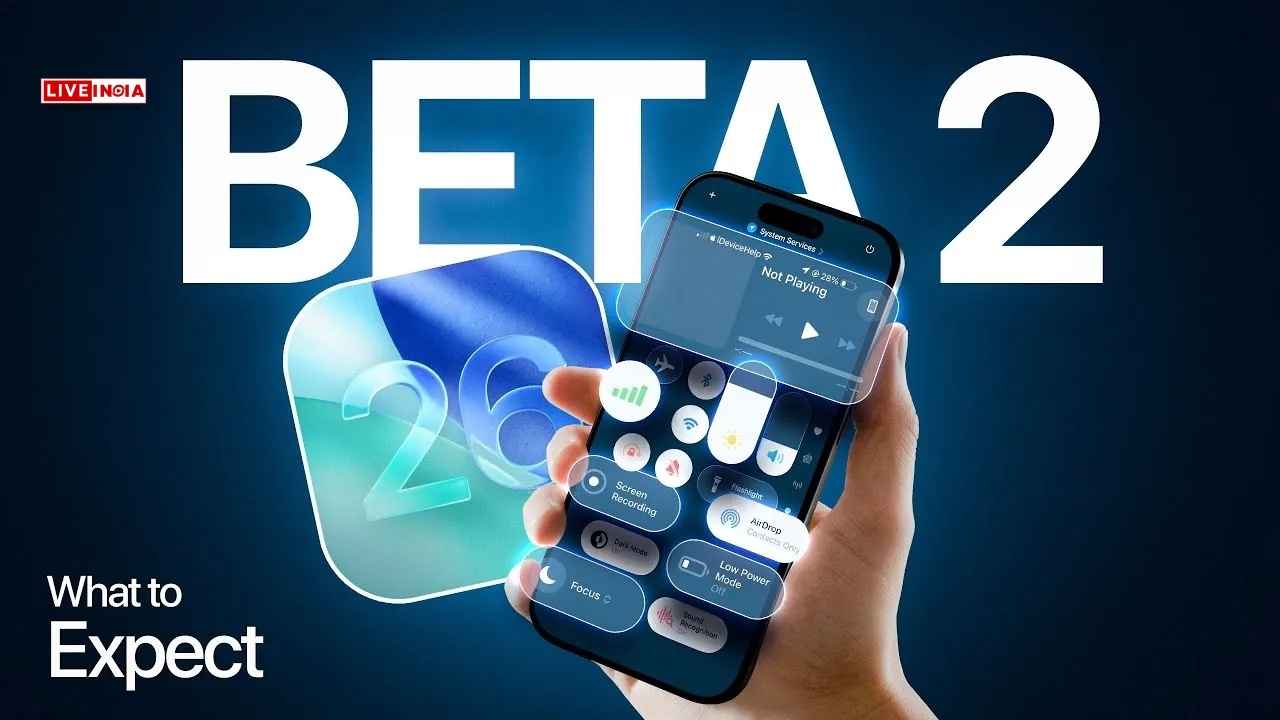
iOS 26 Developer Beta 2 Rolls Out: What iPhone Users Can Expect From Apple’s Latest Update
July 1, 2025 | Apple has taken another big step towards launching iOS 26, releasing Developer Beta 2 for iPhone users. While the public beta is expected later this month, this new developer version offers an early glimpse into what Apple has been refining behind the scenes.
Though still not recommended for primary devices, iOS 26 Developer Beta 2 marks a clear upgrade over the initial build, introducing a host of interface tweaks, functional clarity, and thoughtful feature additions.
Apple’s bold new Liquid Glass UI faced criticism in Beta 1 for its overlapping tab effects. Beta 2 resolves this with a cleaner, crisper Control Centre and a more readable overall layout, making the interface visually more polished.
App developers will now be required to list the accessibility features supported by their apps. These will be visible on App Store product pages, enhancing transparency and empowering users with special needs.
Yes, it’s official—Apple added a new ringtone, and that alone is headline-worthy for iPhone fans. Named Alt 1, the ringtone can be selected under:
Settings > Sounds & Haptics > Ringtone.
Also Read: Samsung Launches AI-Powered Anti-Theft Features in One UI 7 for Galaxy Phones
For the first time, Apple clarifies what Low Power Mode does in iOS 26. Enabling the mode will reduce:
This added clarity helps users understand trade-offs when extending battery life.
While Live Captions have existed before, iOS 26 Beta 2 ensures callers are informed when the feature is active, maintaining transparency during conversations.
To install the beta on your iPhone:
iOS 26 is supported on:
However, to experience Apple’s new AI-powered features, you’ll need:
Apple is clearly aiming for a more intuitive, informative, and user-respecting iOS experience this year. With each beta version, iOS 26 inches closer to a more stable and impressive public rollout.
Tags: iOS 26, Apple iPhone Update, iOS 26 Beta 2 Features, iOS 26 Ringtone, Apple Accessibility, iPhone AI Features
Actor says audiences must back mid-budget cinema to encourage experimentation February 26, 2026: Actor Adarsh…
Actor says she felt ‘forced’ to announce daughter’s premature arrival February 26, 2026: Actor Priyanka…
The makers of the much-anticipated reunion film starring Rajinikanth and Kamal Haasan have clarified that…
PM Modi, Netanyahu announce historic upgrade after bilateral talks February 26, 2026: India and Israel…
Strong bones and pain-free joints are not built overnight — they are shaped by everyday…