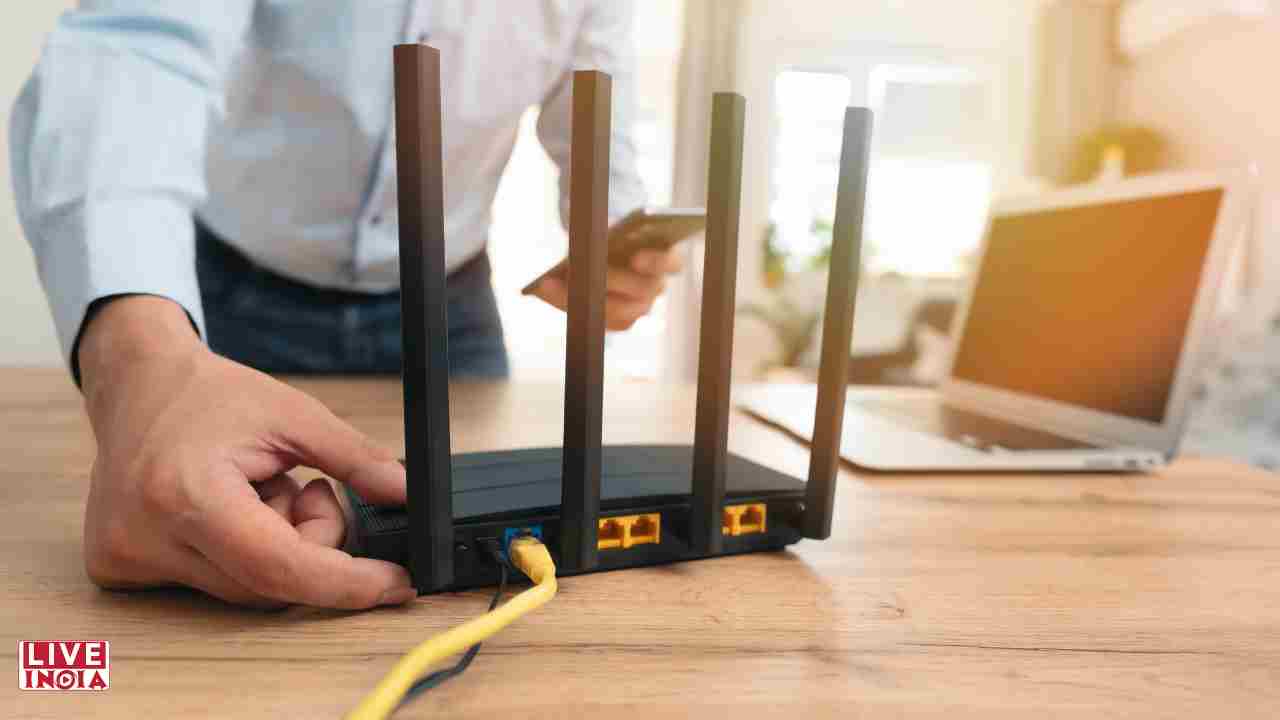
Is Your WiFi Router Overheating? Here’s What You’re Doing Wrong
WiFi routers are one of the most important devices that run our digital lives, but they rarely get the attention that they deserve. These devices, like any other piece of tech, can run into problems, with one of the most overlooked ones being overheating. An overheating router can slow down your internet, cause frequent disconnections, and even shorten the lifespan of the router. If your router is unusually hot to the touch, then router overheating might be the culprit, and here are some common reasons why your WiFi router might be overheating and how you can prevent it.
One of the most common reasons why WiFi routers overheat is due to poor ventilation or enclosed placement. Your WiFi router needs proper airflow to stay cool. If you are placing your router inside a closed cabinet, behind the TV, or near the walls, then the ventilation would be poor and heat would be trapped inside the unit, leading to router overheating.
To prevent this issue, ensure that you place a router in a place with proper airflow and an open area with spaces on all sides for ventilation. Avoid stacking other electronics on or under the router and ensure that the router’s vents are not blocked by dust, clutter, or walls.
Dust does not just look bad; it can also clog the cooling vents of the router, which can lead to heat being trapped inside the router. Over time, this excessive buildup of dust can lead to internal damage and overheating. To prevent excessive buildup of dust, clean your router every month using a dry microfiber cloth or compressed air, keep the nearby surroundings as dust-free as possible, and avoid placing it on a bare floor where dust accumulates more rapidly.
If your router is constantly handling multiple devices, video streaming, video calls, and large downloads all at once, and is being overworked, then it will overheat too quickly. Before you overburden your router, you should make sure that it is suitable for heavy internet usage or not, because pushing an entry-level router too hard is like forcing a bicycle to race with cars, and it is bound to overheat.
Avoid overloading an entry-level router, use the dual-band or tri-band feature through http://192.168.0.1/ for better traffic distribution, and reboot your router periodically to give it a break and minimise overheating.
If you are using an older WiFi router, then it is bound to overheat because old routers don’t have the hardware that can meet the demands of modern households. Plus, as routers age, their internal hardware components become less efficient at management, which leads to overheating and performance issues.
The solution to this issue is to replace your WiFi router after 5-7 years, or earlier if you are adding more devices to the network or moving to a higher-speed internet plan. Try to invest in a modern-day router that comes with built-in cooling features, processor efficiency, and a better design to prevent overheating.
Sometimes, the reason why your router is overheating isn’t physical but software-related. Having a faulty firmware installed on your WiFi router can cause the router to run unnecessarily hard or fail to enter low-power modes, which can lead to overheating. Updating your firmware and installing the latest version of the firmware is the solution to this, as firmware updates often contain bug fixes that can reduce CPU load and overheating.
Just visit the admin panel of the router via the default IP address of the router, http://192.168.1.1/, and see if firmware updates are available for your router’s model or not. In case firmware updates are available, install them and enable automatic updates.
In many households, Wi-Fi routers often run for weeks and months without even a single reboot. While these devices are manufactured to withstand constant load and continuous operation, this non-stop activity without any reboot can cause thermal build-up and overheating. Therefore, reboot your Wi-Fi router every once in a while to reset it and prevent overheating. Some routers offer built-in schedule restarts, and you should use them if they are available. Alternatively, you can use smart plugs to automate nightly power cycling.
Indirect Muscat negotiations face agenda dispute as US urges citizens to leave Iran February 6,…
Production house rejects claims linking Delhi missing girls rumours to film publicity February 6, 2026:…
‘Tere Sang’ teaser goes viral ahead of Valentine’s Week release February 6, 2026: Singer Arijit…
Former Bigg Boss 9 contestant and singer Suyyash Rai has sparked a social media firestorm…
Congress MLC says Siddaramaiah will remain CM for full five-year term February 6, 2026: Congress…
In a major legal blow, Bollywood actor Rajpal Yadav surrendered to the Tihar Jail authorities…