


- Advertisement -
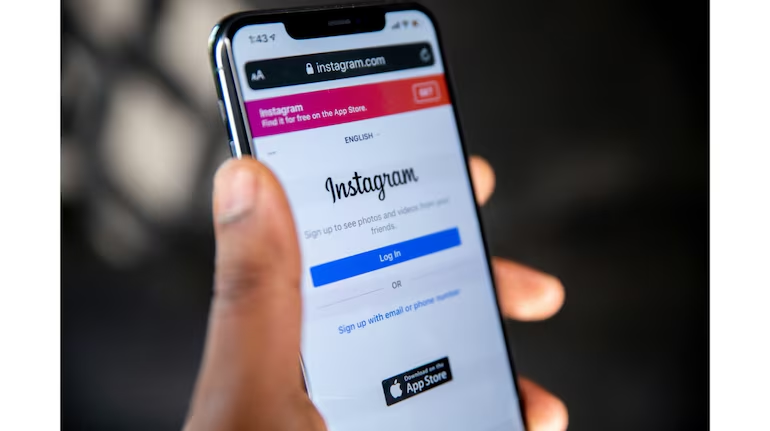
Millions of users were left staring at blank feeds and error messages on Wednesday, February 4, 2026, as Instagram suffered a widespread service disruption. The outage, which peaked during the evening hours in the U.S., forced frustrated users to migrate to X (formerly Twitter) and Threads to verify the downtime.
1. The Numbers: Peak Reports at 8:30 PM ET
The disruption was tracked in real-time by the service monitor Downdetector, which showed a sharp vertical spike in complaints.
- Peak Incidents: Reports topped 10,108 at approximately 8:30 p.m. ET.
- Device Split: Unlike typical outages, 86% of reports specifically highlighted issues with the Instagram website, while roughly 9% struggled with the mobile app.
- Geographic Impact: The majority of affected users were located in the United States, though smaller clusters of reports emerged from the UK and parts of Europe.
2. The Symptoms: Blank Screens and Loading Icons
Users reported a variety of technical failures that rendered the platform largely unusable for nearly two hours.
- Error Message: Many were greeted with the generic: “Sorry, something went wrong. We’re working on getting this fixed as soon as we can.”
- Broken DMs: Messaging services were hit hard, with users reporting that “Failed to deliver” alerts appeared even when their internet connection was stable.
- Feed Freeze: The Explore page and main feed failed to refresh, displaying only a circular loading icon or cached content from earlier in the day.
3. Meta’s Silent Recovery
As of Thursday morning, Meta has not released a formal statement explaining the root cause of the glitch.
- Advertisement -
- Current Status: Services began to stabilize after 10:00 p.m. ET on Wednesday. By Thursday morning (Feb 5), the platform appeared to be fully operational for most global regions.
- History of Glitches: This incident marks the second “brief outage” for Meta in 2026, following a smaller disruption in late January that affected login protocols.
4. Quick Fix Checklist for Users
If you are still experiencing lag or loading issues, experts suggest the following steps:
- Clear Browser Cache: Since the website was most affected, clearing your “Cookies and Site Data” can resolve lingering errors.
- Force Close the App: On mobile, swipe the app away and restart it to re-establish a connection with Meta’s servers.
- Check Your Region: Some content delivery networks (CDNs) take longer to propagate fixes; if it’s not working, wait 30 minutes and try again.