
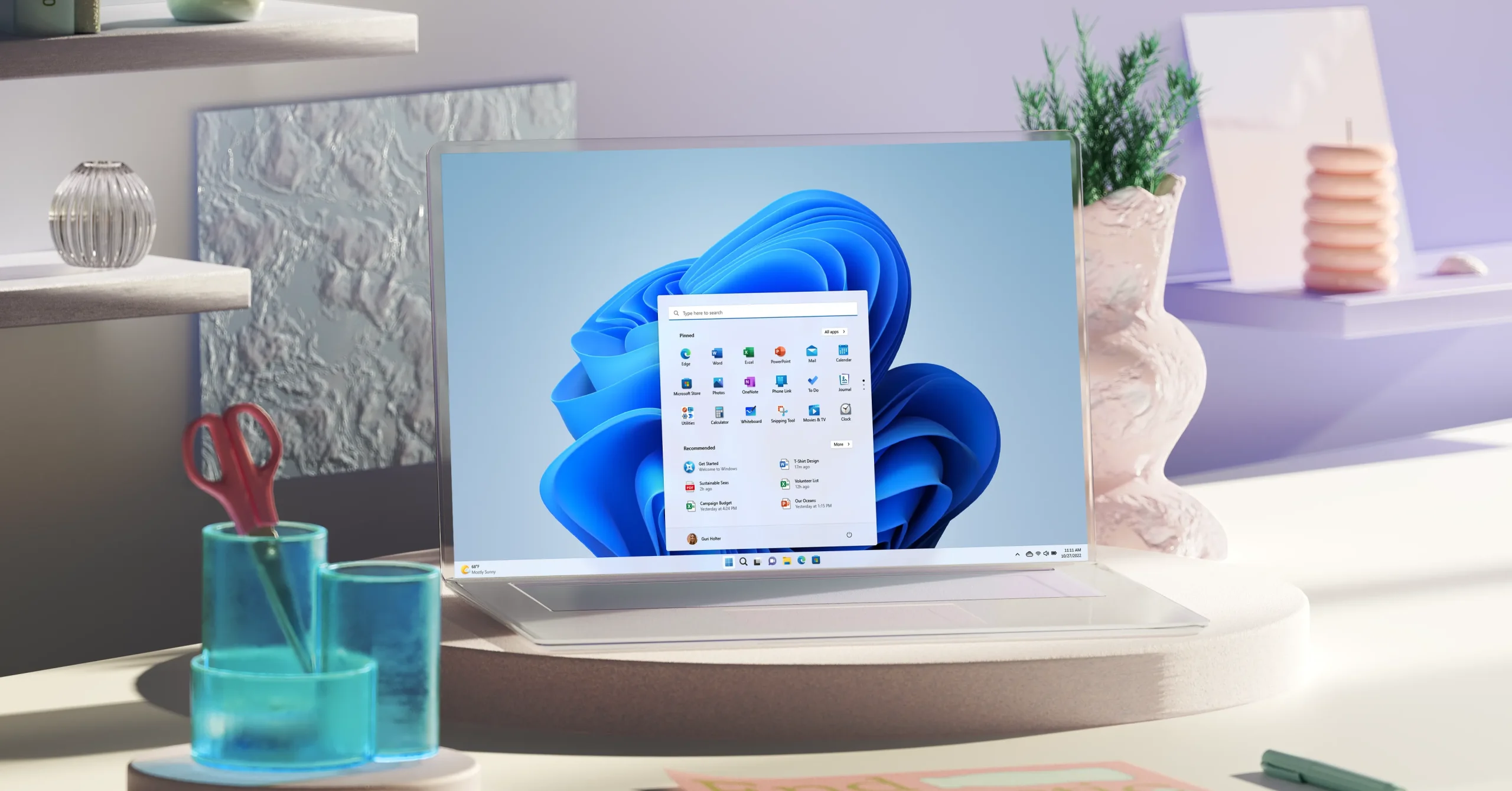


Windows 11 is taking a major step backward—in the best way possible. Microsoft is officially rolling out a movable taskbar, correcting one of the most heavily criticized omissions of the operating system since its launch. Currently live for Windows Insiders in the Experimental channel, the update allows users to freely position the taskbar on any side of the screen.
The Return of the Movable Taskbar
For power users and developers who rely on vertical screen real estate, the restriction of the Windows 11 taskbar to the bottom of the screen was a major pain point. With this new update, users can simply click and drag the taskbar to the top, left, or right edges of their display.
The system intelligently adapts to these changes in several ways:
- Icon Alignment: App icons automatically adjust their alignment. They can remain centered or snap to the edges depending on your layout preference.
- Side-Mounted Efficiency: Positioning the taskbar on the left or right side pairs perfectly with the “Never combine” button mode. Consequently, you get a clearly labeled, scannable list of every open window without needing to hover over icons.
Current Limitations: Because this is an early experimental release, a few features are still missing. Auto-hide functionality and touch-screen swipe gestures do not work in alternate taskbar positions yet. Microsoft design director Diego Baca noted that the team is focusing on core functionality first, with polish to follow in future updates.
Start Menu Gets Size Toggles and Better Layout Control
Alongside the taskbar evolution, the Windows 11 Start menu is receiving a massive overhaul to improve customization and privacy.
New Sizing and Layout Options
Users can now toggle between a Small or Large Start menu size. Crucially, this preference remains consistent across multiple displays, preventing the menu from awkwardly resizing itself when you switch between monitors. Additionally, a new compact taskbar option shrinks icon sizes and reduces total taskbar height, which is incredibly useful for smaller screens where every pixel counts.
Old Start Menu Setup                 New Granular Layout Control
─────────────────────                 ───────────────────────────
[ Pinned Apps ]                       [ Pinned Apps Toggles ] -> Show/Hide
[ Recommended / Recent Files ]        [ Recent Files Toggles ] -> Show/Hide
                                      [ All Apps List Toggles ] -> Show/Hide
Independent Section Toggles
Microsoft has introduced section-level toggles that let you independently show or hide the Pinned, Recommended, and All Apps sections. Previously, turning off the Recommended section mistakenly disabled recent files in File Explorer as well. This bug has finally been fixed, separating the two features completely.
“Recommended” Renamed to “Recent”
In a nod to clarity, Microsoft is officially retiring the “Recommended” label in favor of “Recent.” This name change much more accurately describes what the section actually displays—your recently accessed files and applications.
Furthermore, the update introduces a highly requested privacy feature: the ability to hide your username and profile picture from the Start menu. This is particularly handy for professionals who frequently share their screens during virtual meetings or public presentations.
These features are rolling out to experimental channel Insiders this week, with a broader public release expected in subsequent Windows 11 feature updates.